HOW TO CREATE AN ACCOUNT
To create an account on Waconia Student Community, first go to: https://wsc.tpglit.ch
1.Click the button
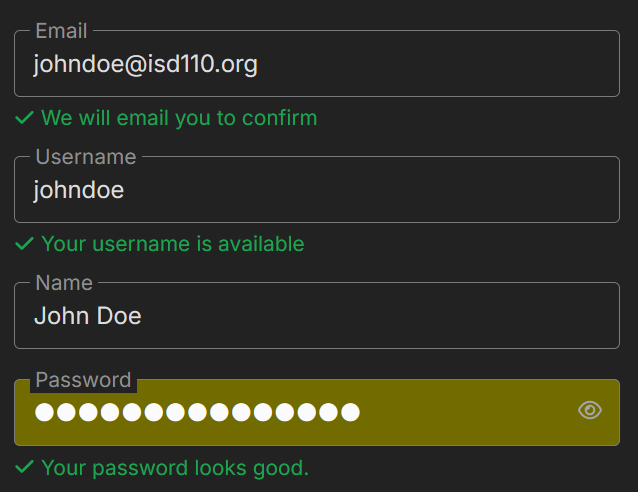
Fill out the fields with your school email, username, full name, and a password. It is NOT recommended to use your lunch number in your password for security reasons.
For example, if your name was “John Doe”:
After clicking sign up button, you should then be emailed a confirmation. Go to your Gmail Inbox and ensure you are logged in with your school-assigned Google account. Click the email from Waconia Student Community and click the link inside of it to confirm your email.
2. After this, your account will be submitted for review and your account will be activated within 24 hours. When a decision is made, you will be notified via email.
3. When your account is approved, go to https://wsc.tpglit.ch. You should be logged in. If not, click Log In and login with your username and password.